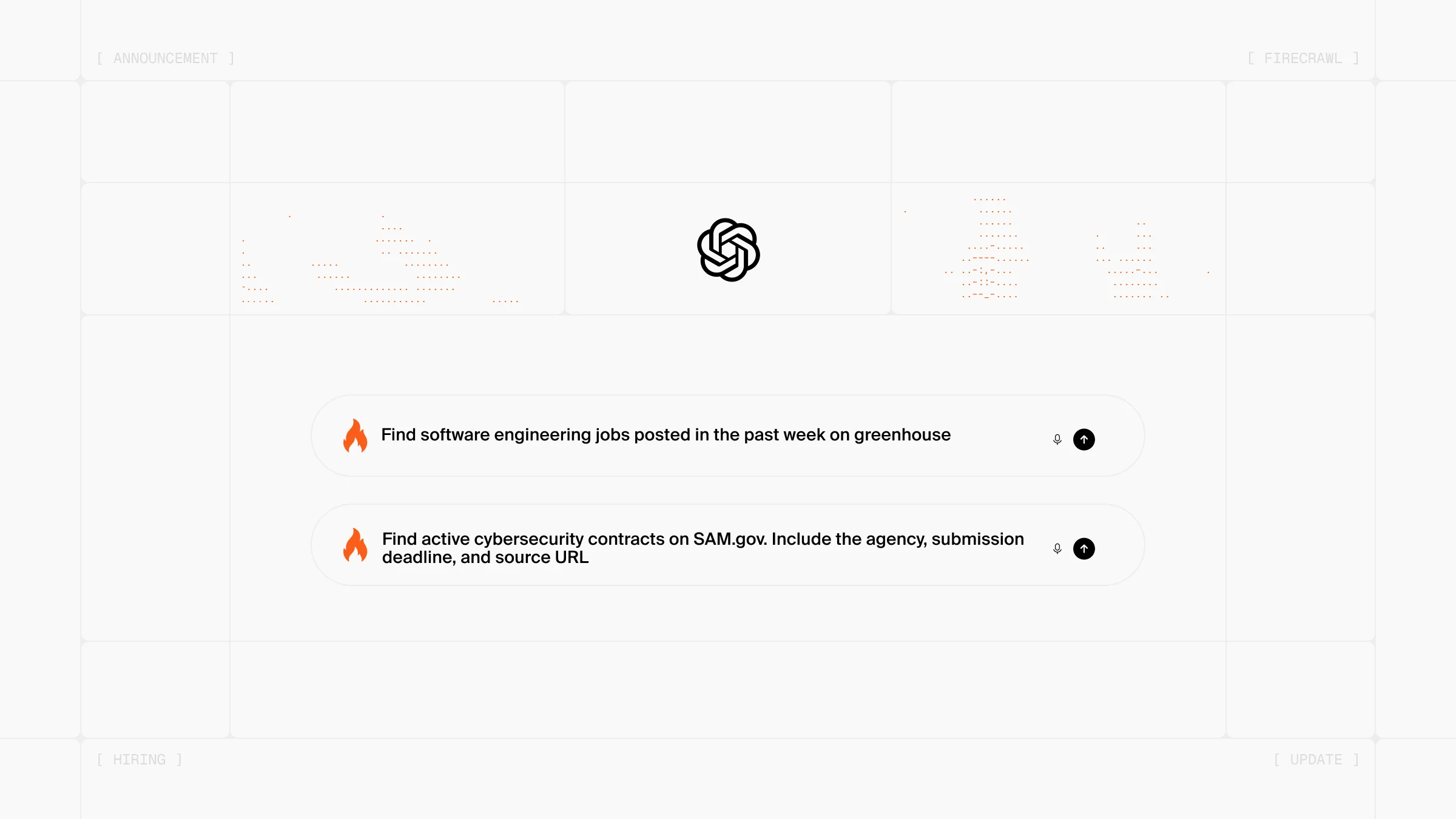
Firecrawl Alexandria is now available inside the ChatGPT plugin. ChatGPT and Codex can reach 100+ data providers and Firecrawl's own indexes, alongside the live web they already search.
What is Firecrawl Alexandria?
Ask ChatGPT about a company's latest quarterly filing today and it searches the web, finds a page discussing the filing, and summarizes that page. You get a secondhand account of the numbers. The filing itself sits in a provider API the model has no way to call.
That limit shapes what agents are good for. They answer well when the open web has already written up a subject, and poorly when the answer turns on a primary source: what a series actually reported last quarter, what a regulator filed, what a dataset records. That information exists in structured form behind provider APIs, and an agent's only route to it has been whatever a blog post happened to quote.
Firecrawl Alexandria gives the agent that source directly, under agreement with the providers who maintain it. One request finds it, shows what it holds and what it costs, and pulls the data.
| Without Firecrawl Alexandria | With Firecrawl Alexandria | |
|---|---|---|
| What the agent reads | A page that discusses the data | The provider's own record |
| Coverage | Whatever the open web has written up | 100+ official providers, plus Firecrawl's Research, Developer, and Government indexes |
| Finding a source | Search, then hope a page quoted the number | One request finds the source and reports what it holds |
| Providers | Earn nothing from the answer | Paid under agreement when your agent pulls their data |
Across 845 tasks with the same model, the same prompts and blind AI judging, agents using Firecrawl Alexandria scored 21% higher on answer quality than agents using built-in web tools.
How to use Firecrawl Alexandria in ChatGPT and Codex
Firecrawl Alexandria follows three steps: find a tool, check what it needs, then run it. You ask a question and the plugin walks those steps for you.
Ask for something the open web answers badly:
Find remote software engineering jobs posted in the past week. Include salaries where available and application links.ChatGPT searches for relevant tools, reads the inputs and price on the one it picks, and calls it. You see what it chose and what the data cost.
The same pattern covers research papers, company filings, government spending records, podcast transcripts, package registries, and real estate. When no provider fits, the plugin falls back to web search and scraping, so a gap in provider coverage doesn't dead-end the question.
You can also ask what exists before committing to anything:
List the data providers that cover federal contract awards, with the price each one charges per call in Firecrawl.None of that costs anything. ChatGPT comes back with the providers, their capabilities, and their prices, and you decide whether to spend anything.
The Developer Index in Codex
Codex gets the Developer Index, built over public repositories, GitHub issues, merged pull requests, READMEs, and code documentation.
The answer to a question like this usually sits in a README, an issue thread, or a merged fix rather than in a blog post. The Developer Index searches that material directly and hands Codex the matching passages.
How do I add pydantic with uv instead of pip?Terms and billing
Discovery is free, execution is billed. Asking what data exists, reading a tool's inputs, and checking its price cost nothing. You pay the tool's listed price when it runs.
Some providers need their terms accepted first. Accepting a provider's terms binds your whole organization, so by default an admin accepts them in the dashboard. When a provider needs this, ChatGPT shows you the terms and points to the page.
Getting started
If you already have the official ChatGPT plugin installed, Firecrawl Alexandria is live in your next conversation.
If you don't:
- Open ChatGPT
- Install the Firecrawl plugin
- Connect your Firecrawl account when prompted
Then ask for a quarterly filing and watch which provider it reaches for.
Frequently Asked Questions
Do I need a Firecrawl API key to use Firecrawl Alexandria in ChatGPT?
Yes. Install the Firecrawl plugin from the ChatGPT directory and connect your Firecrawl account when prompted. Firecrawl Alexandria is not available to keyless sessions, so the plugin has to be connected to an account before ChatGPT can discover or run any provider tools.
What does Firecrawl Alexandria cost inside ChatGPT?
Finding and inspecting tools is free. You can ask ChatGPT what data exists for a topic, and read each tool's inputs, response shape, and price, without spending anything. You are charged only when ChatGPT runs a tool, at the price listed on that tool. Web search and page scraping are billed as normal.
What happens if a provider requires accepting terms first?
Some providers require your organization to accept their terms before you can pull data. By default, an organization admin accepts them in the Firecrawl dashboard. If your organization has enabled agent acceptance, ChatGPT may accept them after showing the current terms; otherwise it points an admin to the dashboard.
Does this work in Codex as well as ChatGPT?
Yes. The Firecrawl plugin covers both surfaces, so the same provider catalog and the same Developer Index are available in Codex. Codex is where the Developer Index gets the most use, since it answers questions about library behavior from repositories, issues, and merged pull requests.
What is the Developer Index?
It is one of Firecrawl's own indexes, built over public repositories, GitHub issues, merged pull requests, READMEs, and code documentation. It returns the matching passages from that material, which helps when you need to know how a library behaves in practice and the explanation sits in an issue thread rather than the documentation.